Every moving part of a working month, in one place.
Rates, schedules, payments, tracked time, and one-off calendar changes all feed the same live picture—without forcing every kind of work into the same formula.
Dashboard
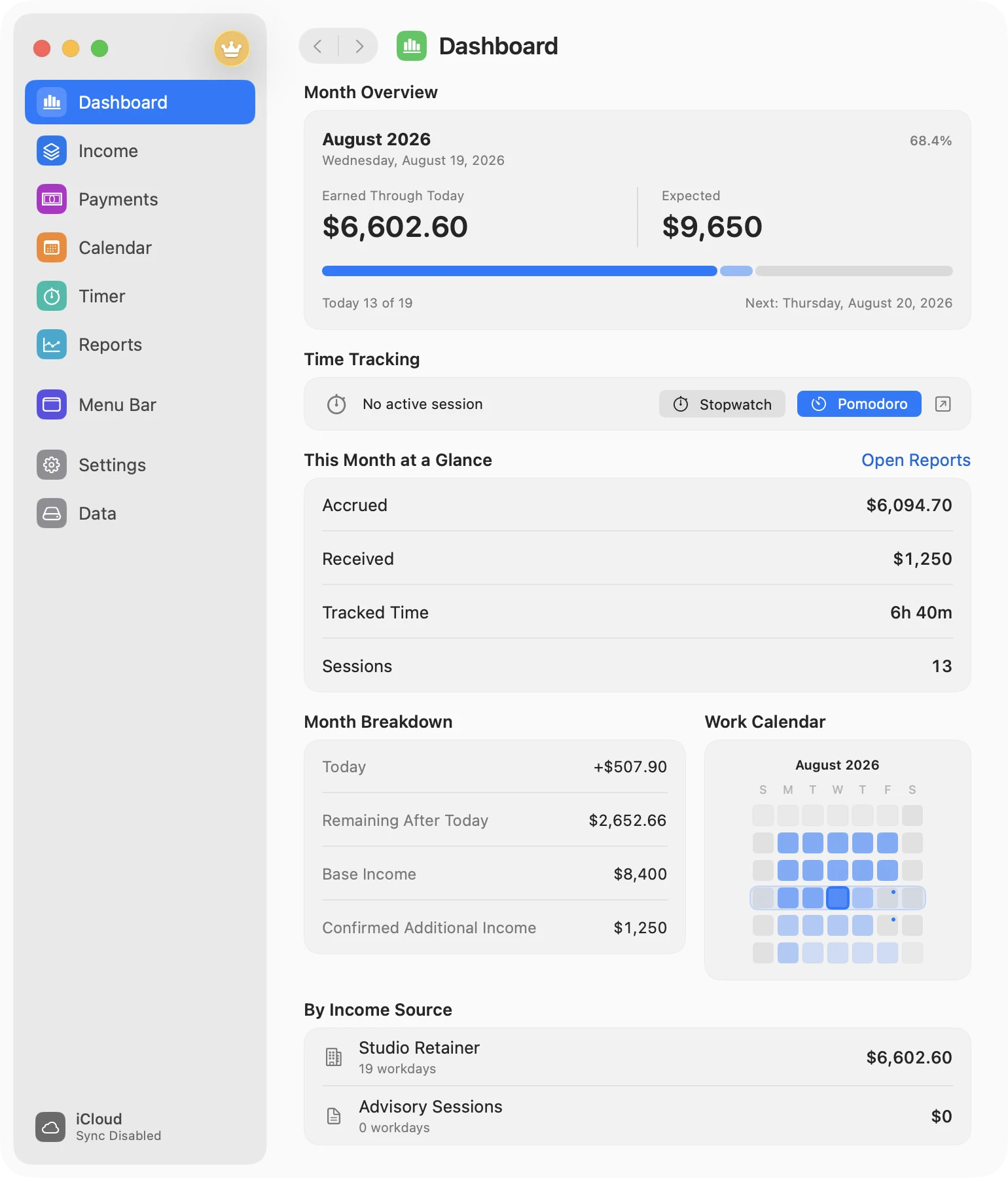
Start with the number that matters now.
See how much the month has earned through today, what it is expected to reach, and what changed today. Then open up the details without rebuilding the calculation in a spreadsheet.
Earned through today and expected month total
Accrued, received, tracked time, and session count
Today, remaining income, base income, and additional payments
Source-by-source breakdown and work-calendar progress
Menu bar
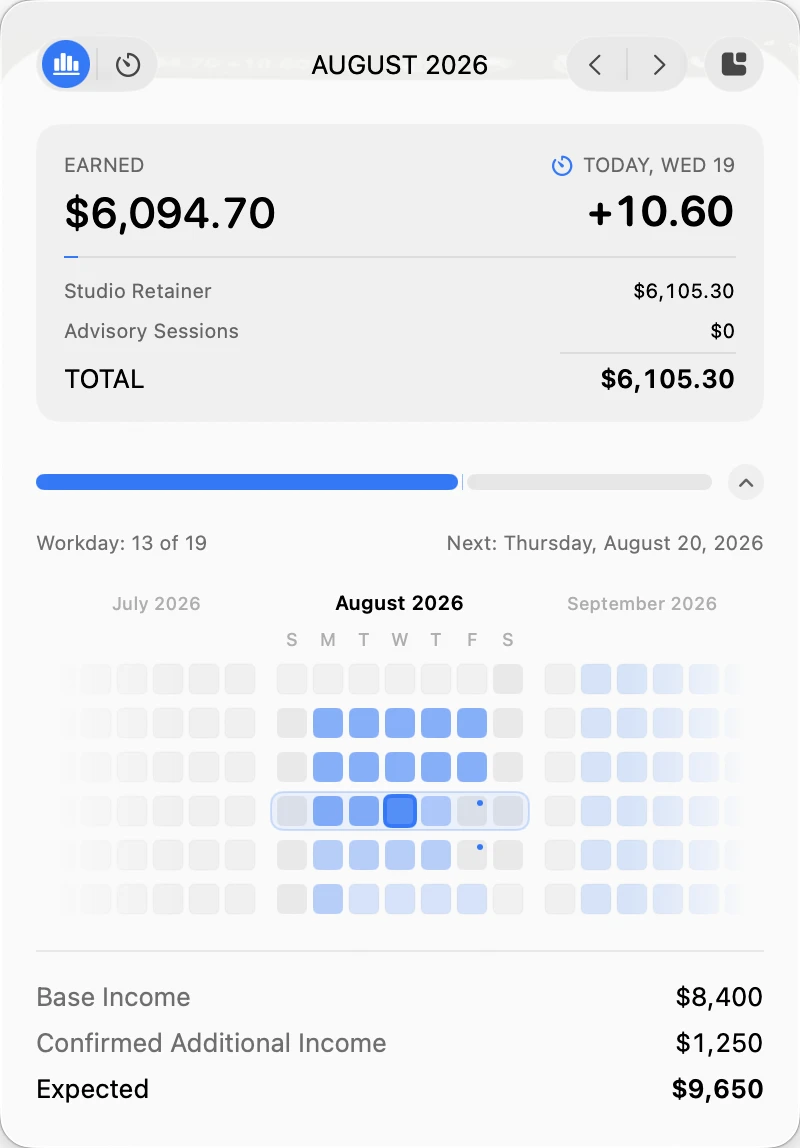
A summary, live counter, and timer above every window.
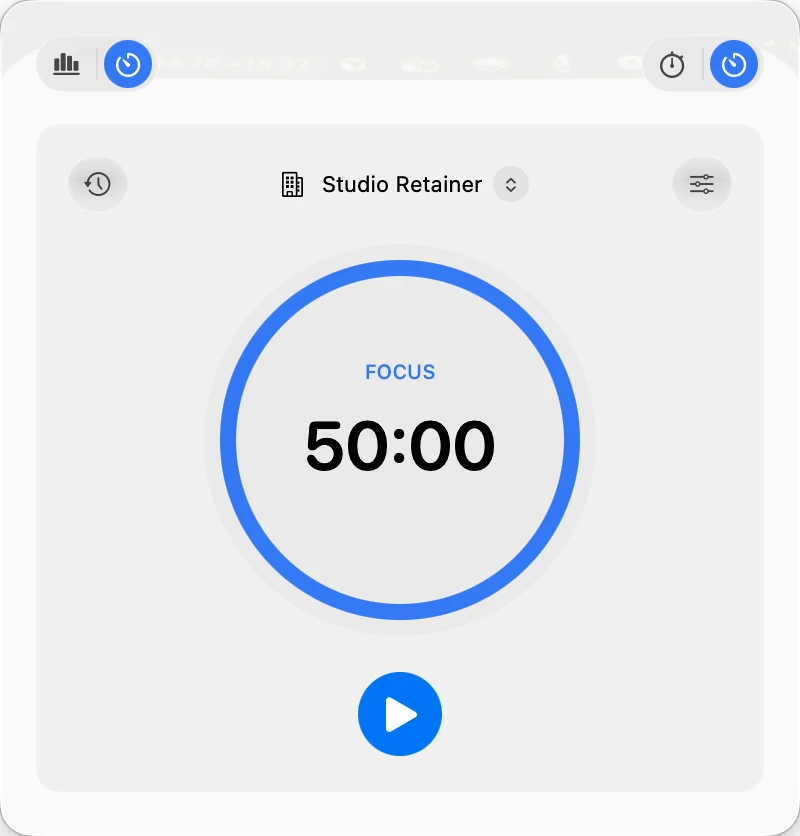
Choose what the status item shows, then use the popup for the rest. Summary and Timer are separate tabs, so the same small surface works for checking the month or running the next focus session.
Full mode or Realtime income, refreshing every 1–60 seconds
Multiple status-item templates with absolute, percentage, or hidden values
Income by source, progress, next workday, and three-month heatmap
Stopwatch and Pomodoro controls in the popup and status item
Income sources
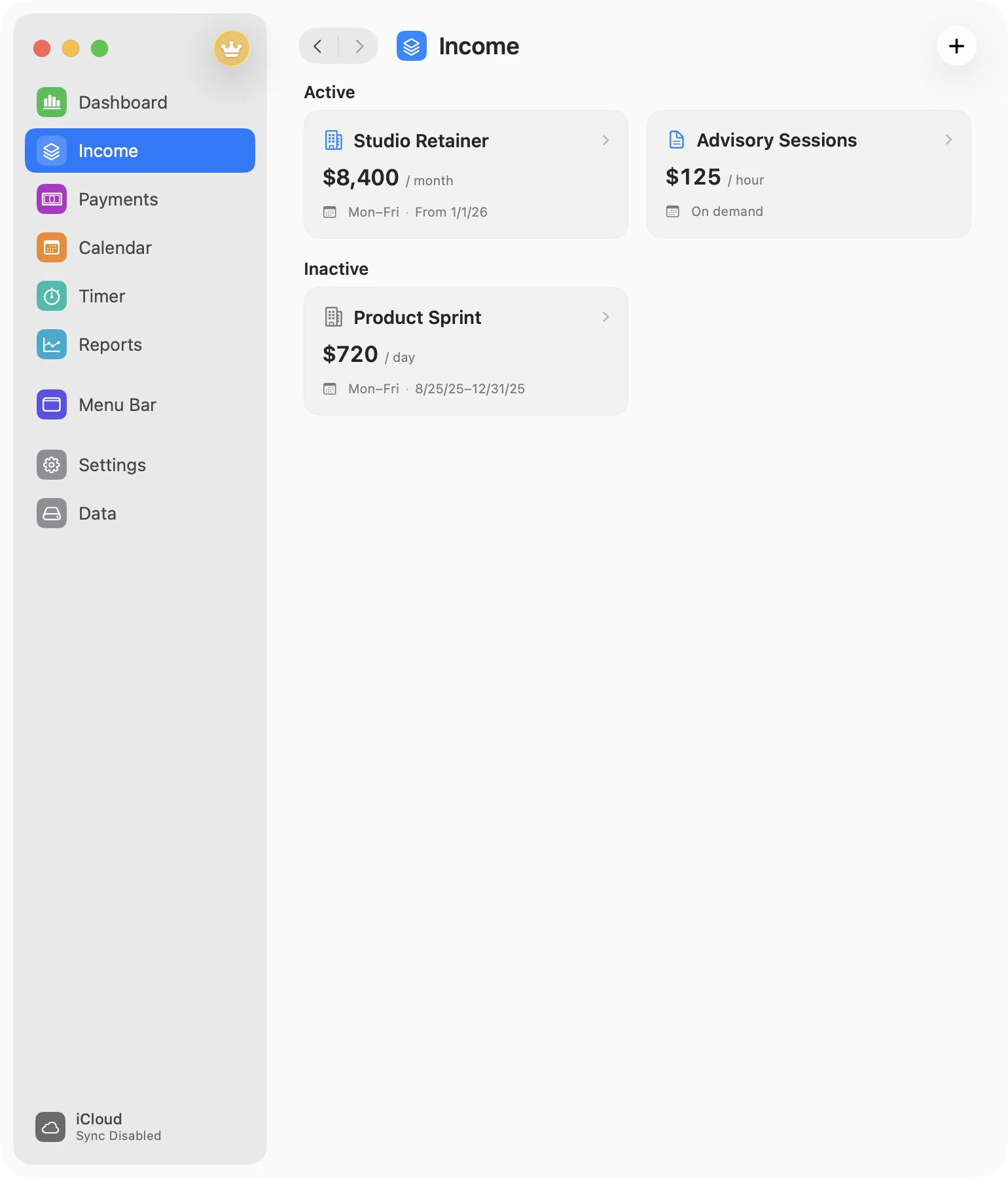
Let each source follow its own rate.
Create Work or Project sources paid monthly, per workday, by scheduled hour, or by hours logged on demand. Give each one active dates and its own schedule. One source is Free; creating, duplicating, or importing additional sources requires Pro.
MonthlyDailyScheduled hourlyOn-demand hourly
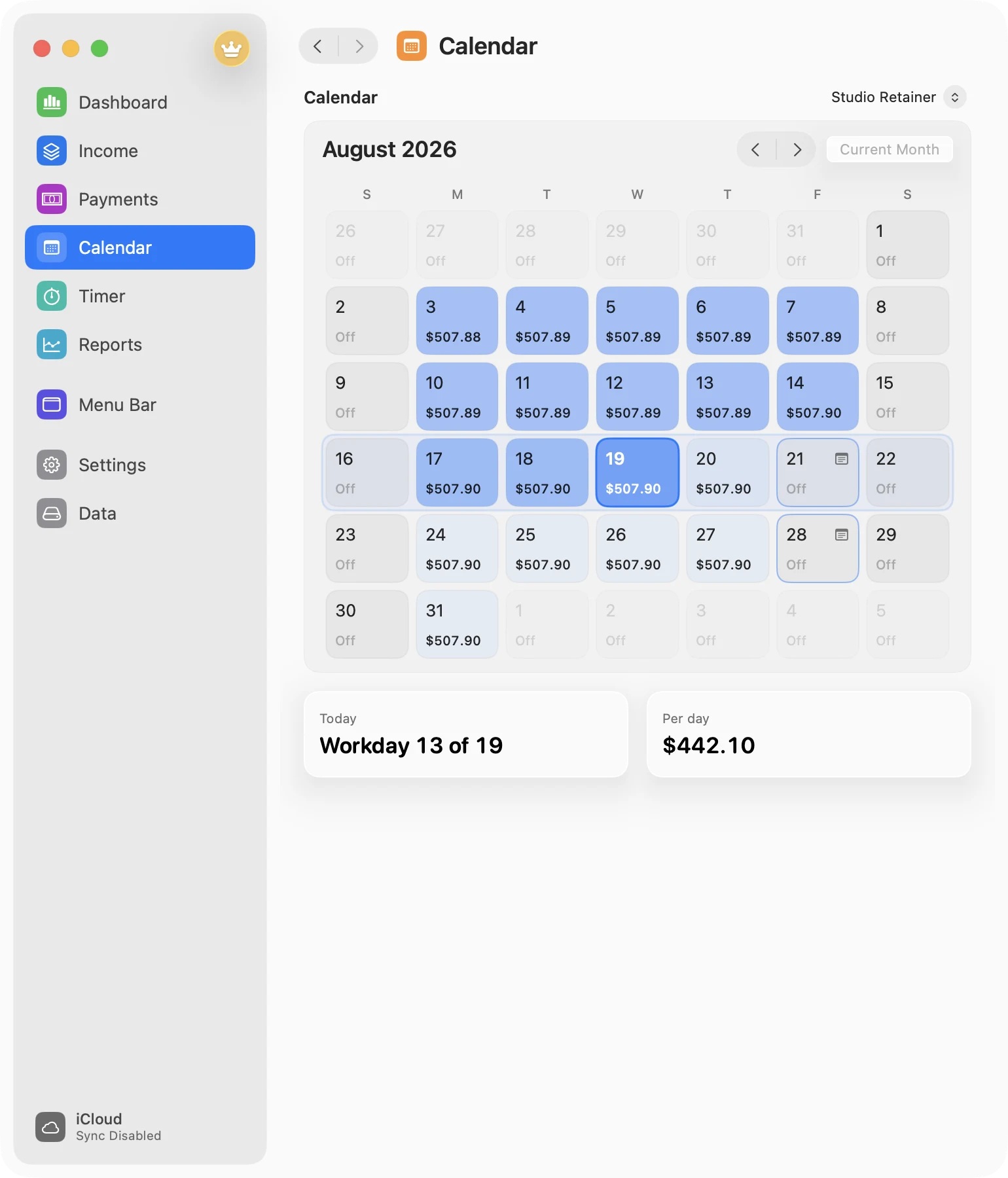
Work calendar
Make working time part of the math.
Set weekdays, working hours, and lunch. Override any date as working, nonworking, paid leave, half day, or a custom weight; daily and scheduled-hour income updates with it.
SchedulesLeaveHalf daysCustom weight
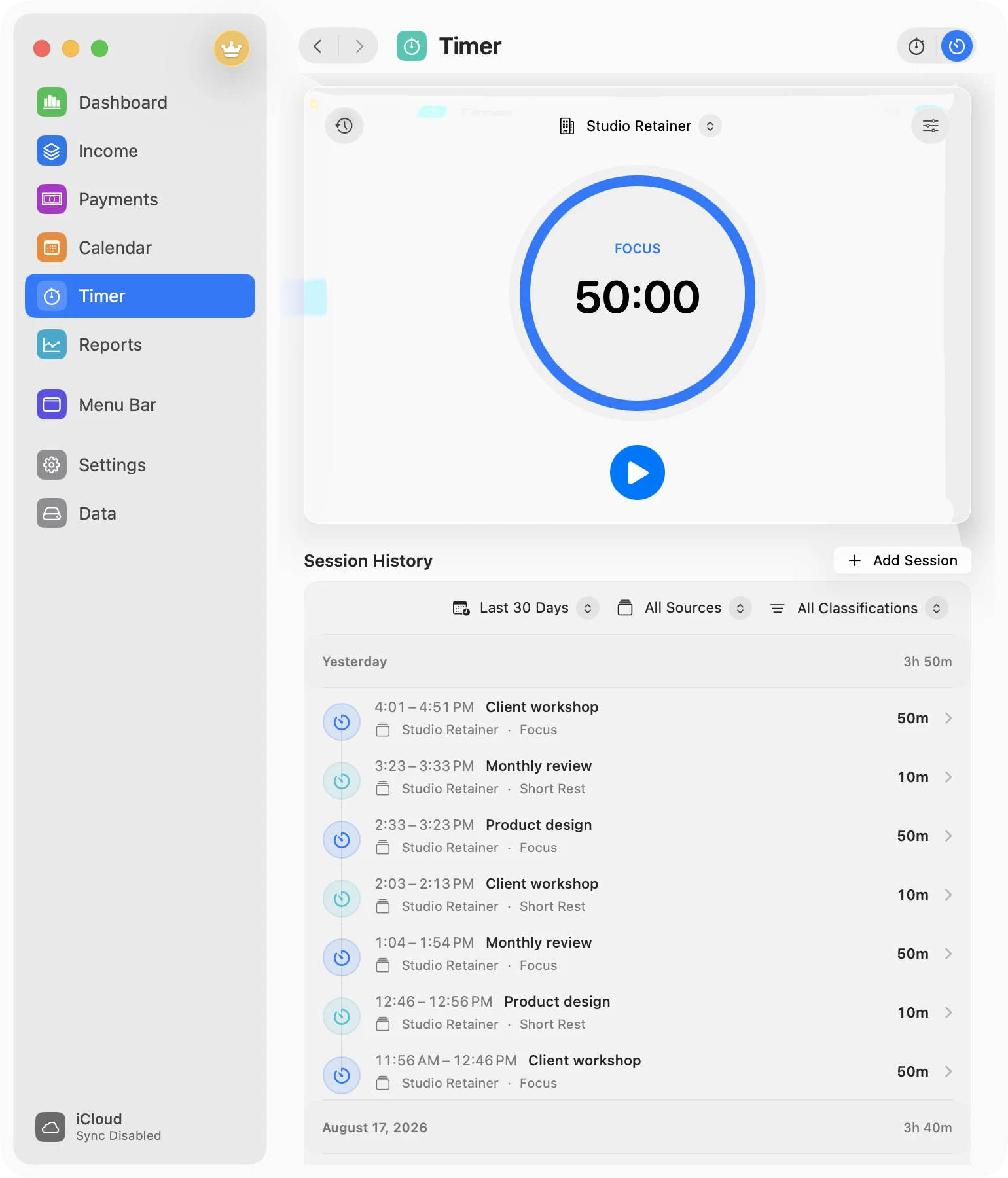
Timer and Pomodoro
Use the clock that fits the work.
Start a stopwatch for open-ended work, add a session after the fact, or use Pomodoro for a deliberate focus/rest rhythm. The main app and menu bar stay in step. Every Timer control and manual time entry is Free.
Stopwatch, manual time entries, and editable session history
Custom Pomodoro focus, short-rest, long-rest, and cycle lengths
Automatic transitions and starts when you want them
Source, activity, classification, and billable context
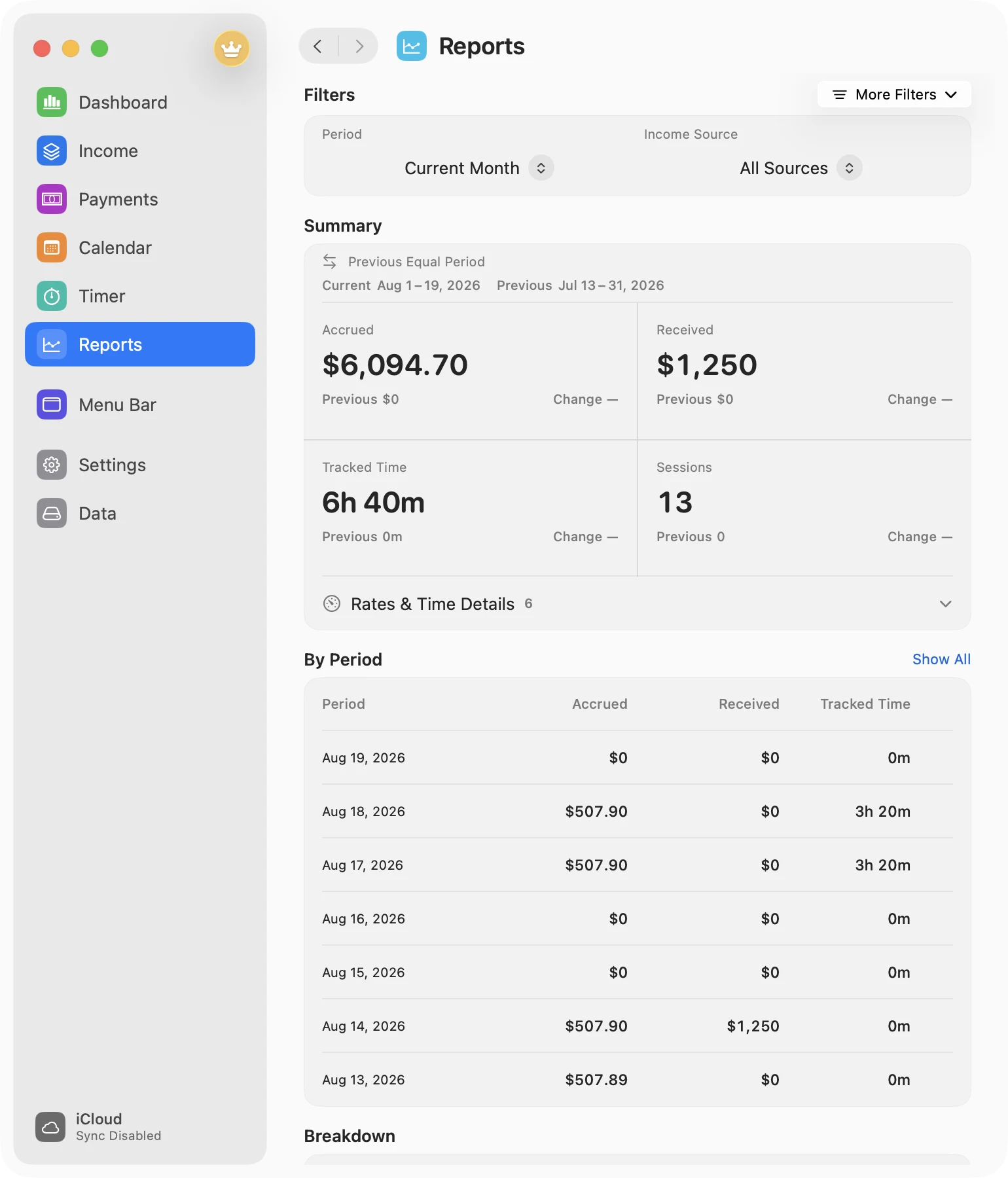
Reports
Turn a busy month into something you can read.
Compare periods and break down money and time without exporting first. Filter until the view matches the question you are actually asking. All Reports, filters, and the Dashboard report preview are Free.
Accrued, received, tracked time, focus time, and effective hourly rate
Day, week, and month periods with equal-period comparisons
Breakdowns by source, activity, kind, status, classification, and billable state
Dashboard preview that opens the full reporting workspace
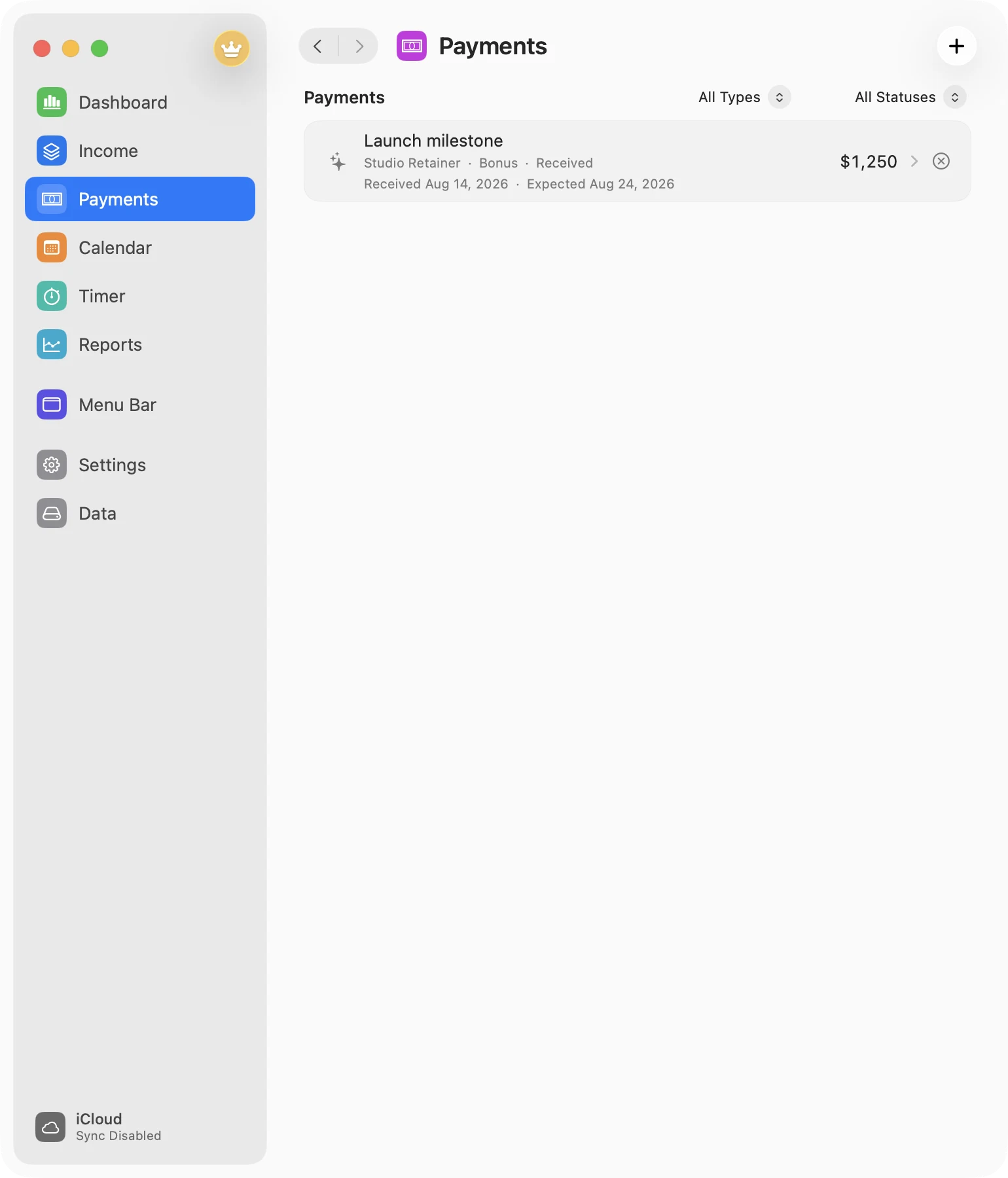
Payments
Give additional income a proper place.
Record money that does not belong in the normal rate: a launch milestone, bonus, commission, overtime, tip, or something else. Keep the forecast honest as its status changes.
MeaningBonus, commission, milestone, overtime, tip, or other
StatusPlanned, confirmed, received, or cancelled
TimingAllocate to a date, period, or separate payment
Privacy
Local first. Quiet by default.
No MonthMade account, ads, analytics, or behavioral tracking. Your database lives on your Mac; private iCloud sync is optional.
Auto Privacy uses display mirroring and limited macOS Control Center metadata to hide values when sharing may be active. Camera, microphone, or system-audio use can trigger conservative hiding, and some sharing may be missed. Use manual Hidden as a fallback; Show Values applies only to the current detection.
Best effortManual fallbackNo pixels or audioTemporary revealHidden
Choose how much of the picture you need.
Free includes one income source, Stopwatch, Pomodoro, manual time entries, and all Reports. Pro brings additional income sources into the same month and adds optional private iCloud Sync.